Survive a Black Hole Controls
Movement, activation, shop, potions, and what to watch on the HUD every round.
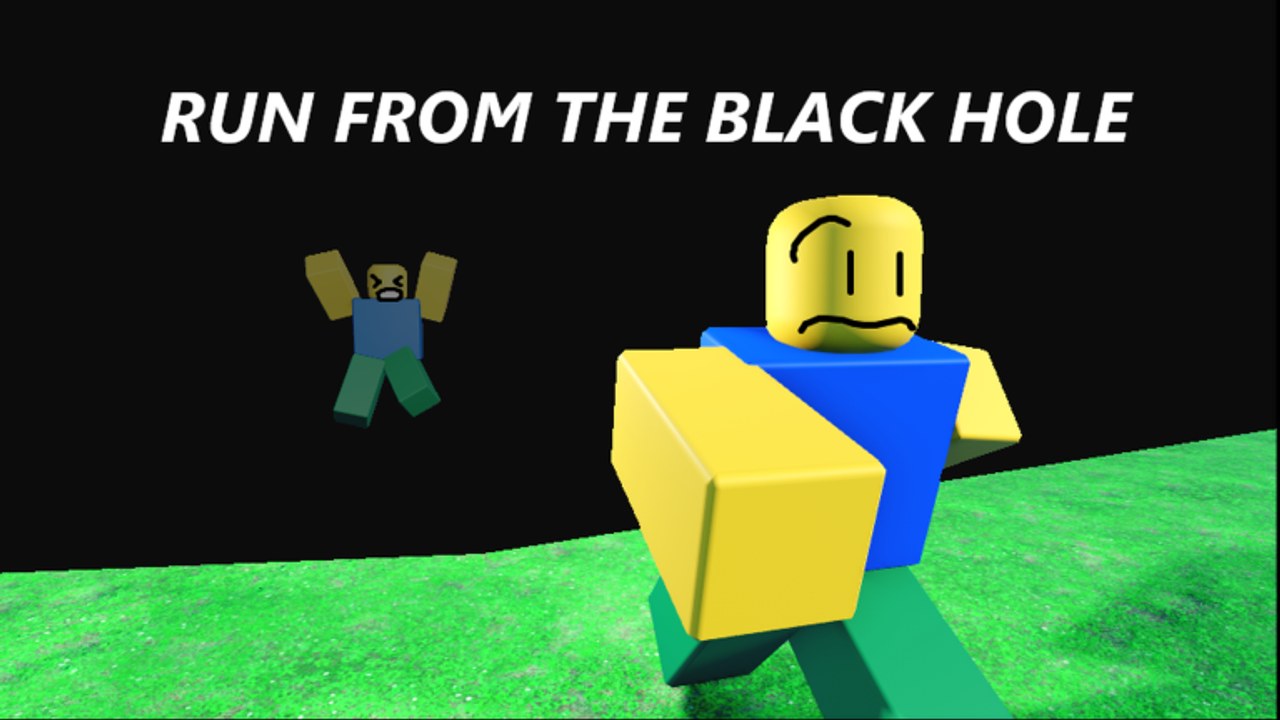
Survive a Black Hole runs on standard Roblox movement, but the pressure of a growing singularity turns ordinary WASD habits into life-or-death decisions. This controls and interface guide explains how to move, when to activate, how to reach the shop, when to drink potions, and which on-screen cues matter in crowded 50-player servers. Pair it with Getting Started, How to Survive, and Activate the Black Hole once the buttons feel natural.
Default movement and camera
Use the same inputs you use in most Roblox experiences:
- Move: WASD or left stick
- Jump: Space / A (controller)
- Camera: mouse look or right stick
- Sprint / shift-lock: follow your Roblox client settings; many survivors prefer shift-lock for consistent facing while fleeing
Jumping helps clear short ledges and can break sticky footing on ice-adjacent Snowscape paths, but jump spam mid-pull often wastes momentum. Prefer smooth strafes that keep distance from the hole’s edge. If your camera fights you during panic, reset it quickly—losing orientation near size 2048 growth is a common You fell in death.
Practice one calm round where you only move and look. Do not activate. Learn how far one sprint carries you across open ground versus cramped corners. That muscle memory pays off when Speed Potions later multiply your stride.
Activation input and discipline
Activation is a deliberate action on the experience’s black-hole control—not an accidental bump. Before you press it:
- Confirm you have an exit lane already chosen
- Check whether teammates are already mid-escape from a prior hole
- Decide whether you need Stokens badly enough to risk Thats on you
The first successful activate unlocks YOU WHAT?!?!. After that, treat the button as an economy tool, not a fidget toy. Full detail lives in the activation guide. On controller or mobile, double-check you are not binding activate next to jump or emote keys that fire under stress.
Shop, Stokens, and potion use
Open the in-game shop from the HUD or shop prompt near the commerce area when the lobby allows browsing. Buy with Stokens earned from activating and surviving. Early priority is always Speed Potions, then Health Potions when you finish rounds bruised. Drinking a potion is a separate confirm/use step—buy first, then consume when the hole starts expanding or when you commit to a long route.
Badge hooks tied to controls and economy:
- Great doing buisness with ya — complete any shop purchase
- GOTTA GO FAST — drink 10 Speed Potions over time
- Stoken Stacker / Loaded — hold 50+ / 100+ Stokens
Deep spend plans sit in Stokens and Shop and the Tier List.
Round awareness checklist (every spawn)
Train yourself to scan these cues within the first seconds of a round:
- Is a hole already active, and which direction is the pull strongest?
- Where is high ground or a clear escape corridor on the current map?
- Do you still have Speed or Health potions ready?
- Are crates (Beep Bop Bap bait) sitting between you and safety?
- Is ice or prickly terrain between you and the end lane?
On Snowscape, slip risk (Careful!) rises—pre-drink Speed before committing across slick paths. On collab-flavored spaces tied to Portal to persistence, expect denser tourist traffic and delayed activates; keep camera wide. Map notes: Maps Guide.
Mobile, laptop, and full PC tips
- Mobile: enlarge touch targets in Roblox settings if activate and jump sit too close; play lower graphics if frame drops hide the hole’s growth
- Laptop trackpad: enable shift-lock or an external mouse; trackpads struggle during sudden camera swings
- PC mouse + keyboard: preferred for precise strafes and quick shop purchases between rounds
If input lag spikes in a full server, prioritize positioning over fancy jumps. Survive a Black Hole rewards calm spacing more than mechanical tech.
What not to bind or automate
Do not install executors or auto-activate macros. They break after patches, risk bans, and teach bad timing. Read the Scripts Hub if you are curious why this wiki refuses paste dumps. Promo codes—if any ever appear—belong on the Codes Hub (none confirmed as of November 2026), not in third-party “auto redeem” tools.
Practice drills that lock controls in
- Scout round: move only, no activate, memorize two exits
- Potion round: buy Speed, drink at first growth cue, escape clean for You survived the black Hole
- Activate round: one safe YOU WHAT?!?! trigger with a planned exit
- Streak starter: three clean survives without opening shop mid-panic—see Win Streaks
After those drills, graduate to How to Survive for spacing theory and the Badges Guide for goals that depend on precise potion and activate timing.
Controls in Survive a Black Hole are simple on paper. Mastery is scanning the HUD, spending Stokens before panic, and pressing activate only when your feet already know the exit.
Frequently Asked Questions
Quick answers for Survive a Black Hole players.
What are the basic Survive a Black Hole controls?
Use standard Roblox movement (WASD/stick), jump, and camera look. Activation, shop browsing, and potion drinking are separate HUD actions—practice them in calm rounds first.
Should I use shift-lock while escaping?
Many players prefer shift-lock for consistent facing while strafing away from the hole. Use whatever keeps your camera stable when the singularity expands.
How do I open the shop and use potions?
Open the shop from the HUD or shop area, buy with Stokens, then drink Speed or Health Potions when growth starts. Details are in Stokens and Shop.
Is there a special control for activation?
Yes—activation is a deliberate in-game action. Read Activate the Black Hole before spamming it and risking Thats on you.
Do mobile players need different habits?
Give activate and jump more spacing on the touch UI, lower graphics if needed, and pre-plan exits because precise camera flicks are harder on phones.